Turn long videos into
ready-to-post clips
Trimm finds the best moments, adds animated captions, reframes to vertical and schedules your posts. Use it in the browser, or download the free desktop app.
Web app: free plan, no card needed · Desktop app: free for Windows and macOS, no account
- #1A moment that gets replayedViral 82
- #2The hot take that landsViral 74
- #3A story with a punchlineViral 66
 That was hot0:30
 No way0:37
 Wait for it0:44
How it works
From a long recording to clips you can post, in four steps.
- 1
Add a video
Pick a file or paste a link, or import a whole channel.
- 2
Transcribe
Speech-to-text runs on your PC with local Whisper.
- 3
Review highlights
AI ranks the best moments with a viral score. You pick the ones you like.
- 4
Edit and publish
Trim, caption, export, and get it ready to post.
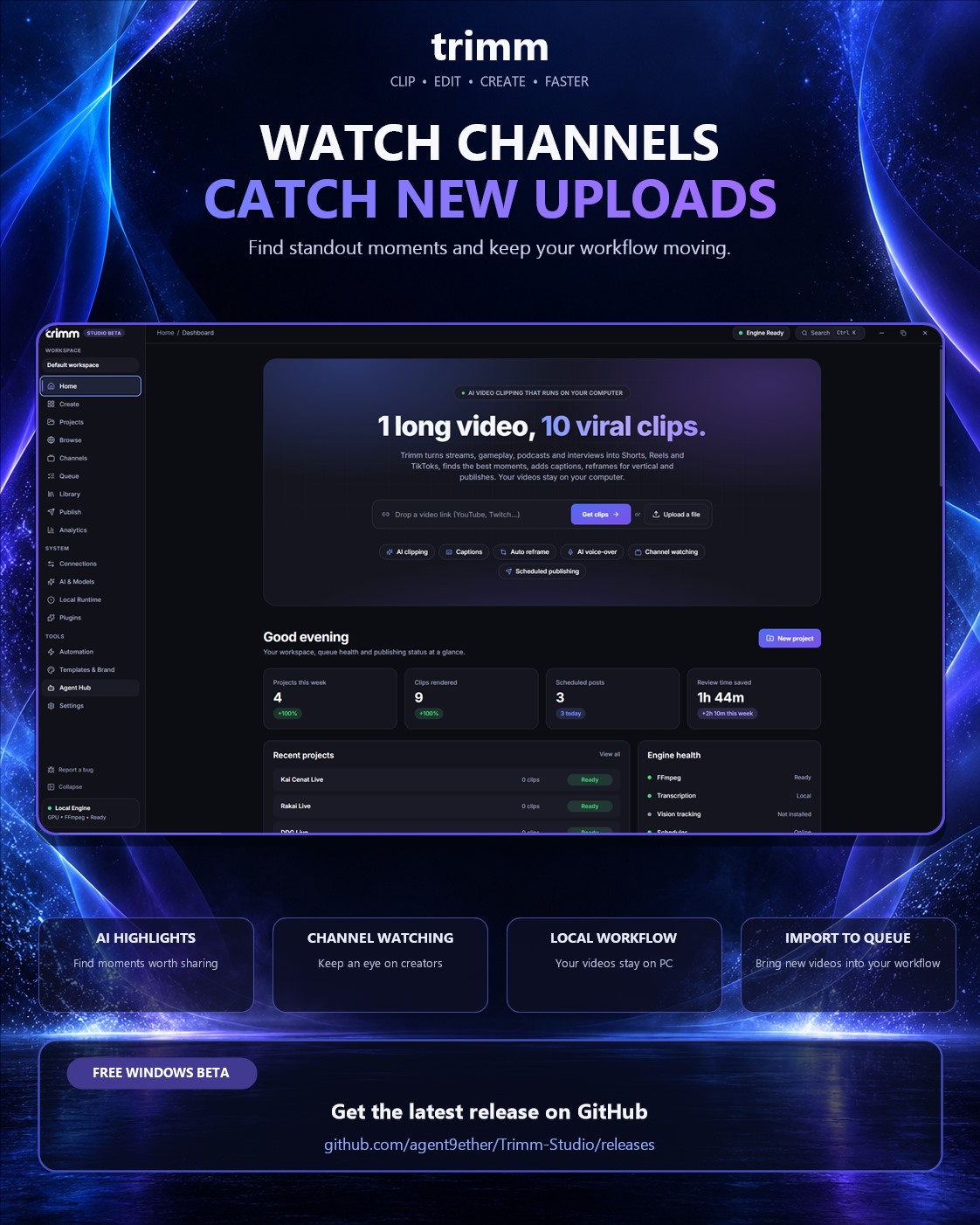
See it in the app
The desktop app, as it looks today.
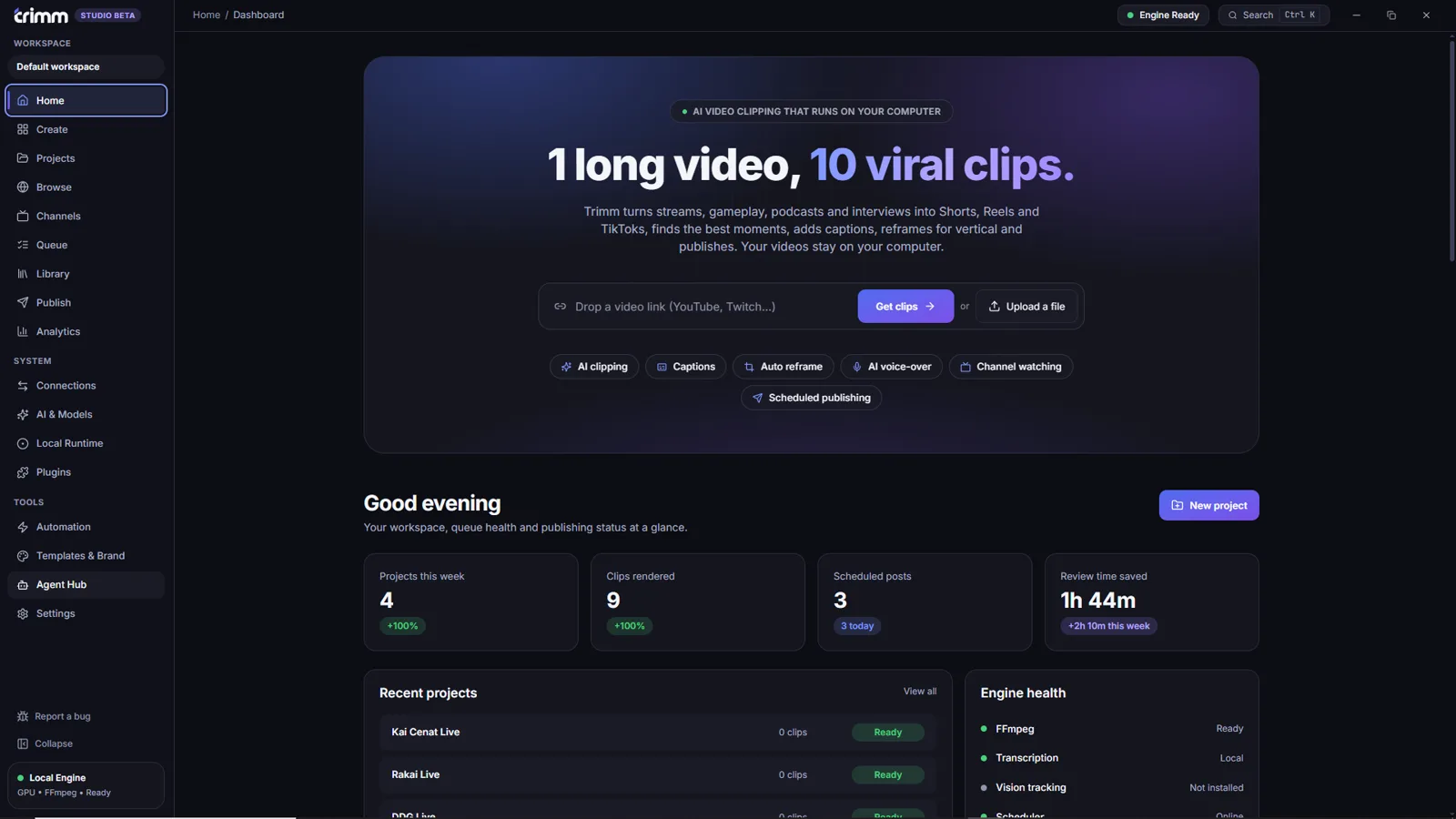
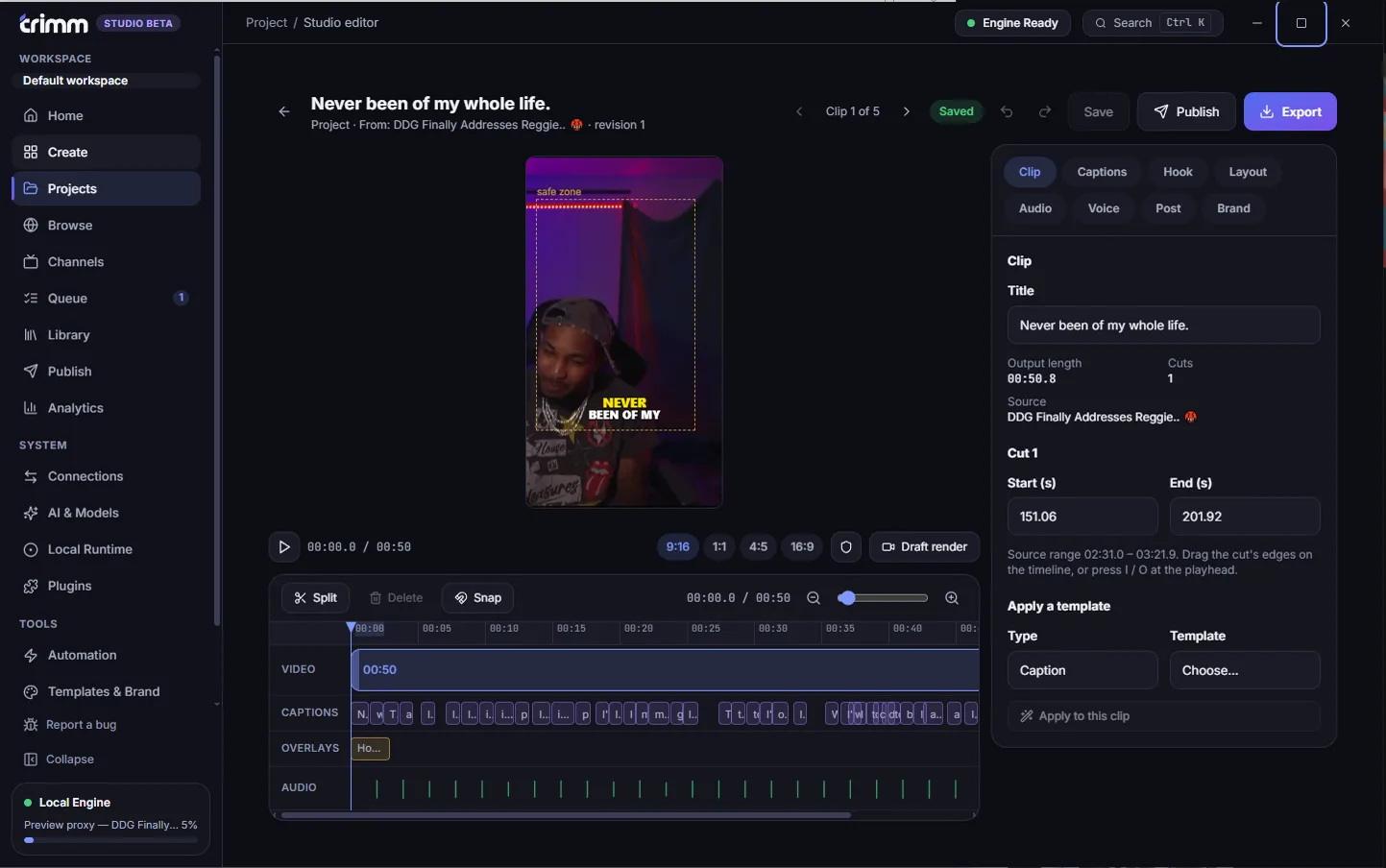
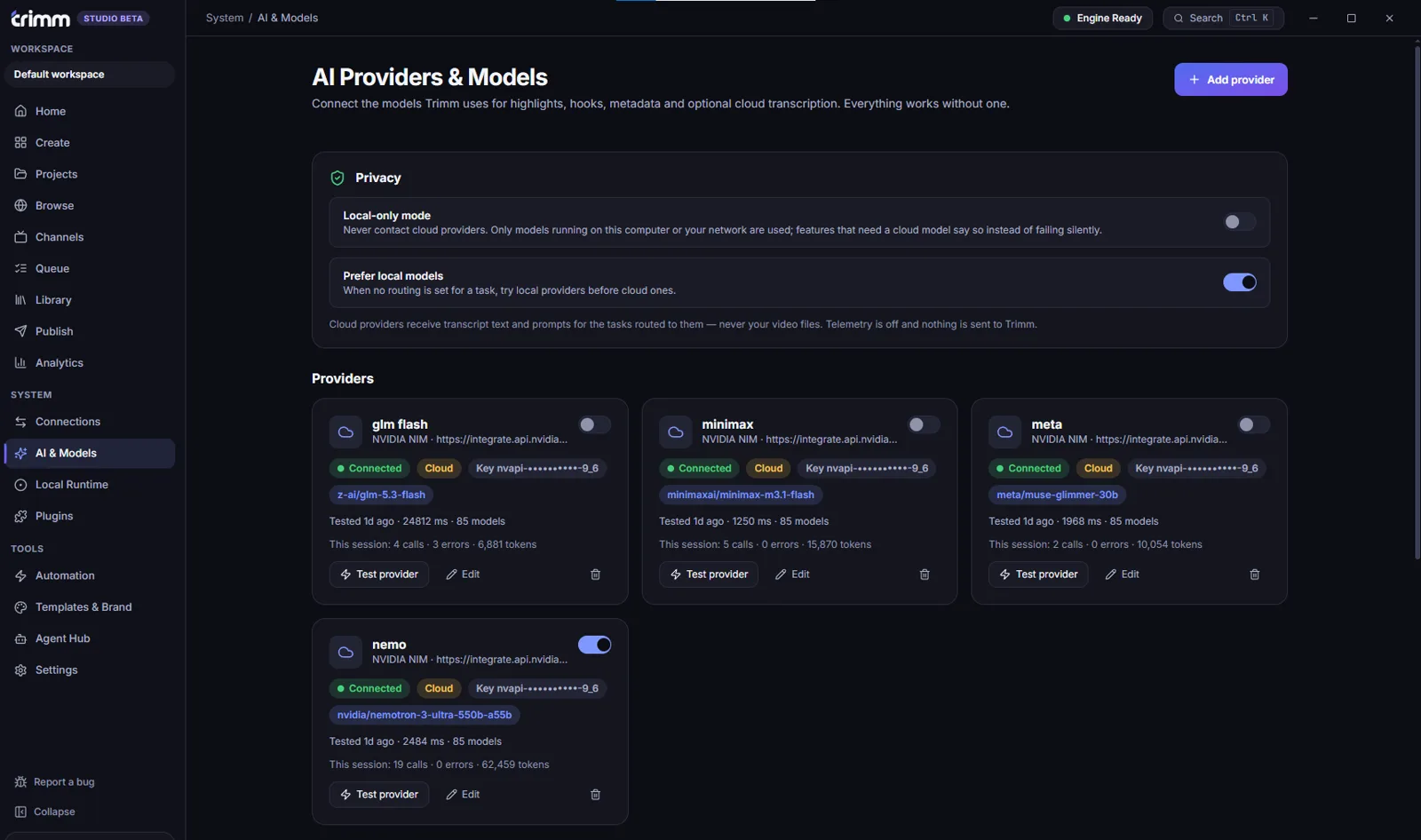
Paste a link or drop a file. Your projects, queue and engine status are one click away.
Clip. Edit. Create.
Real product screens, ready to share.
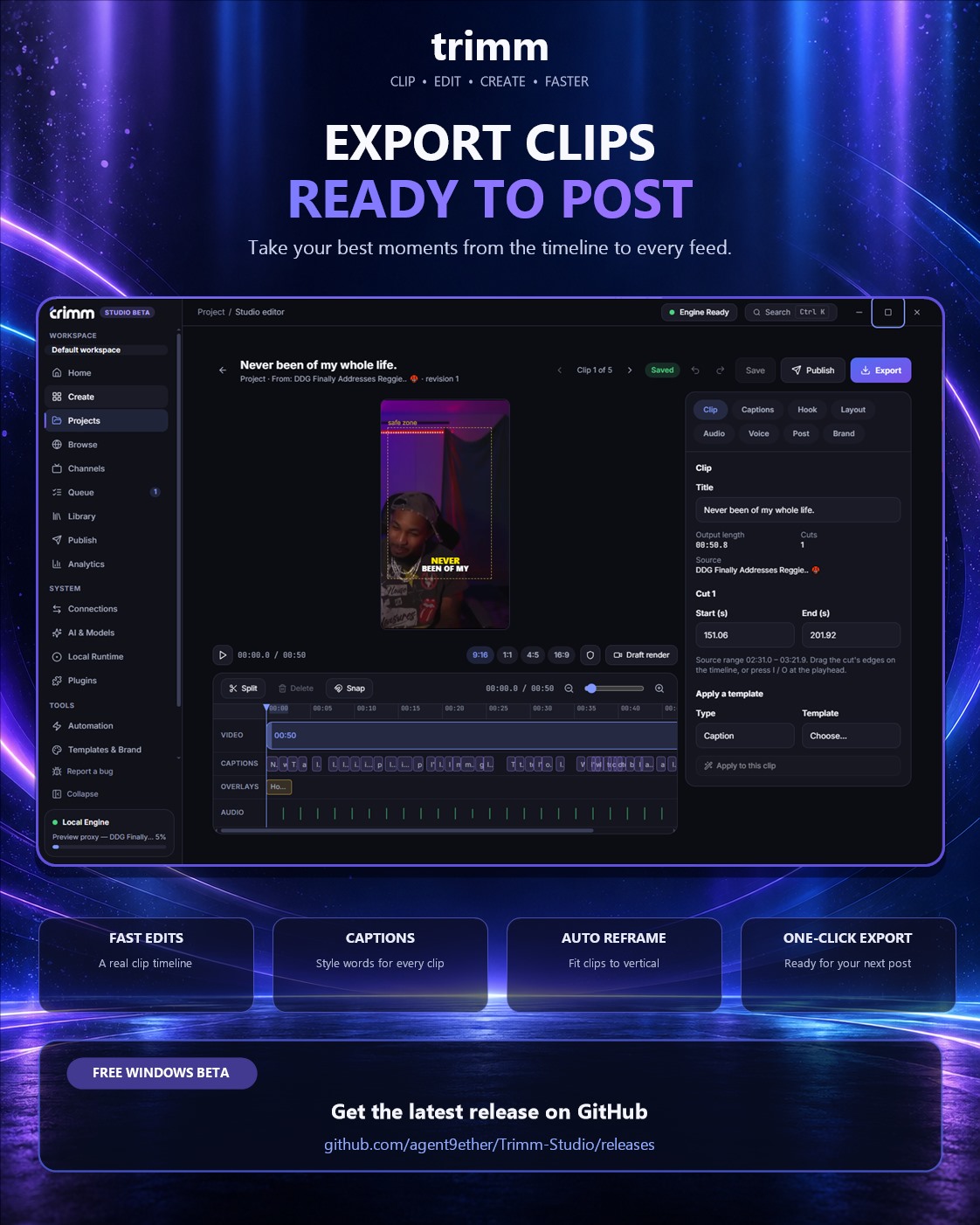
One shot becomes a vertical clip
Landscape recordings reframe to 9:16 in one step. Drag the window to choose what stays in the shot.

Drag the window to choose the shot.
Your clip, ready for Shorts, Reels and TikTok
Everything between the long video and the post
AI highlight finder
Ranked, scored moments with the reasoning behind each one.
Timeline editor
Trim, split, reframe to vertical and style captions. Step through clips with next and previous.
Titles and descriptions
AI-suggested titles, descriptions and hashtags in different tones for each platform.
Channel imports
Import a channel's videos and cut them with a preset. You choose how many clips.
Templates and brand kits
Reuse your logo, colors and caption style on every clip.
Local transcription
Whisper runs on your machine, so your audio never leaves it.
Many videos, one project
Each video keeps its own highlights, summary and editing space.
Agent friendly
Connect Claude or Codex over MCP to drive the app, or use them as the AI provider.
Clips made for every feed
A look at moments Trimm can help you find. Your clips come from your own videos.
- 0:34Waitforit
The moment everyone replays
- 0:21Nowaythat'strue
A hot take that lands
 0:30Ican'tstoplaughing
The funniest 30 seconds
 0:18Thatwasinsane
Clutch play, clean cut
 0:42Andthenthis
A story worth staying for
 0:24Trythisinstead
One quick tip, made clear
- 0:19Ican'tbelieveit
The reaction says it all
Your keys, your AI
The desktop app is free, with no subscription. You plug in the AI you already use. Platform connections are yours too.
- OpenAI
- Anthropic
- Gemini
- NVIDIA NIM
- Ollama (local)
- LM Studio (local)
- Signed-in Codex
- Signed-in Claude Code
Telemetry is off by default. Secrets such as API keys are kept in your operating system's keychain, never in the project files.
Or clip in your browser
The Trimm web app: sign in, upload, and your clips are saved to your private workspace.
- • A timeline editor with animated caption styles
- • 9:16, 1:1 and 16:9 layouts with drag-to-reframe
- • A publish calendar that sends clips to TikTok
- • Brand kit and analytics on Plus and Pro
The web app needs an account and stores your uploads and clips in your workspace. Free clips are kept for 3 days. See the Privacy Policy.
Get Trimm Studio
Free for Windows 10/11 (64-bit) and macOS 11+ (Apple Silicon and Intel). Linux is coming later.
Browse the latest GitHub releasesInstall FFmpeg first (Windows)
winget install Gyan.FFmpegPrefer the portable zip? Find it on the releases page. Check your download against SHA256SUMS.txt on the same page.